How to Edit a PDF Online for Free (No Signup Needed)
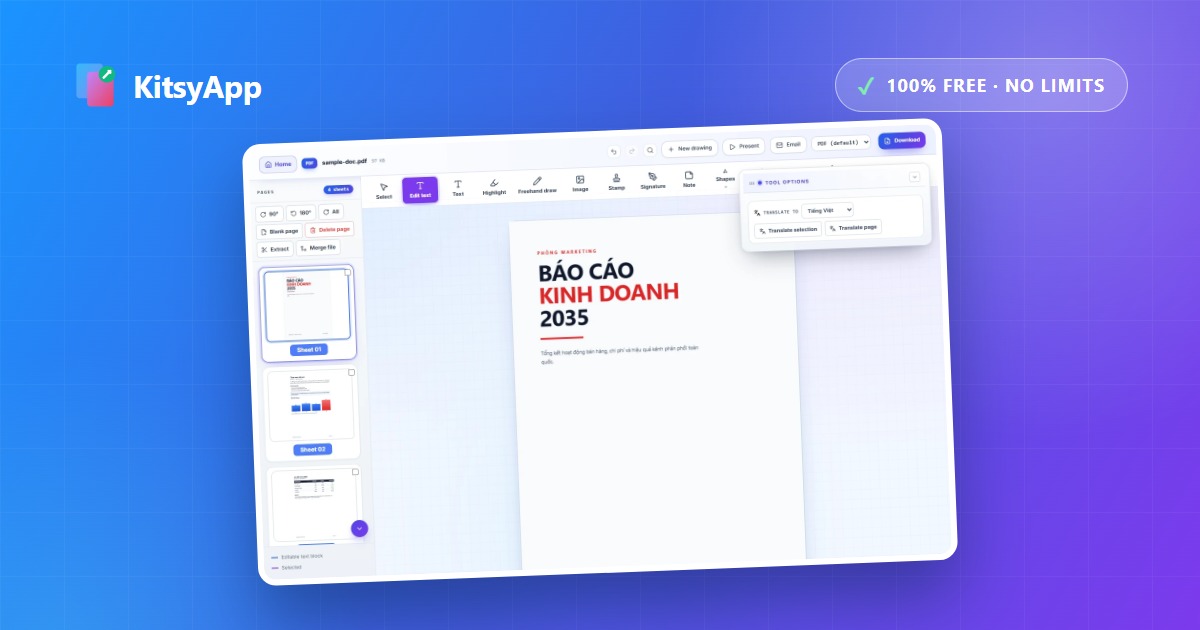
Need to fix a typo in a contract, fill in a form, or sign a document that only exists as a PDF? Most online editors either charge a subscription, cap you at a couple of tasks per day, or make you create an account. Here's how to edit a PDF online for free — right in your browser, with no signup and no limits.
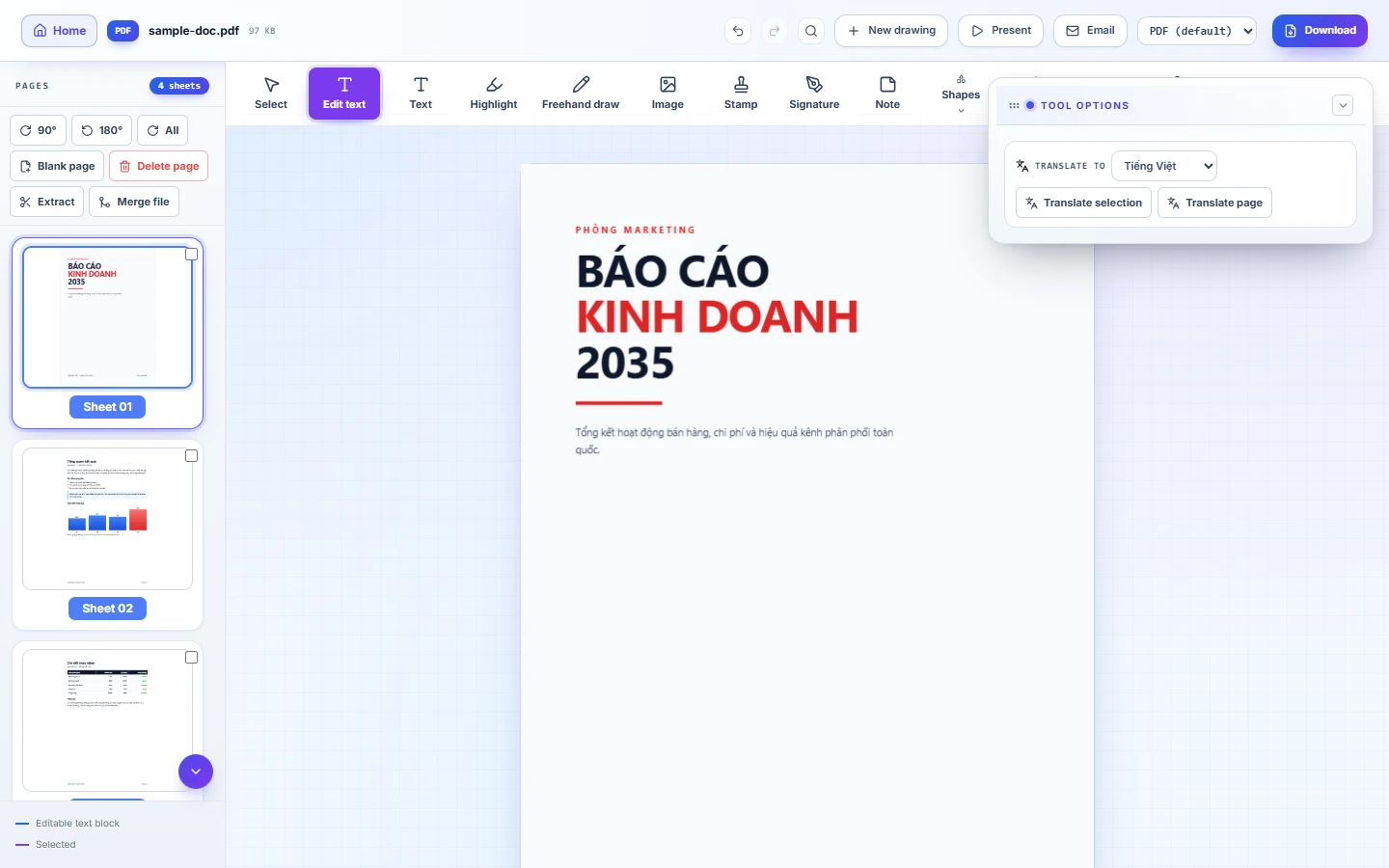
Why use an online PDF editor instead of desktop software?
Desktop suites are powerful but heavy: they cost money, take disk space, and lock your license to one machine. An online editor opens instantly on any device — laptop, tablet or phone. The catch with most "free" online tools is the fine print: watermarks, daily limits, and mandatory accounts. A genuinely free editor should have none of those.
How to edit a PDF with KitsyApp (3 steps)
- Open the PDF editor and drag & drop your file — or pick it from your device.
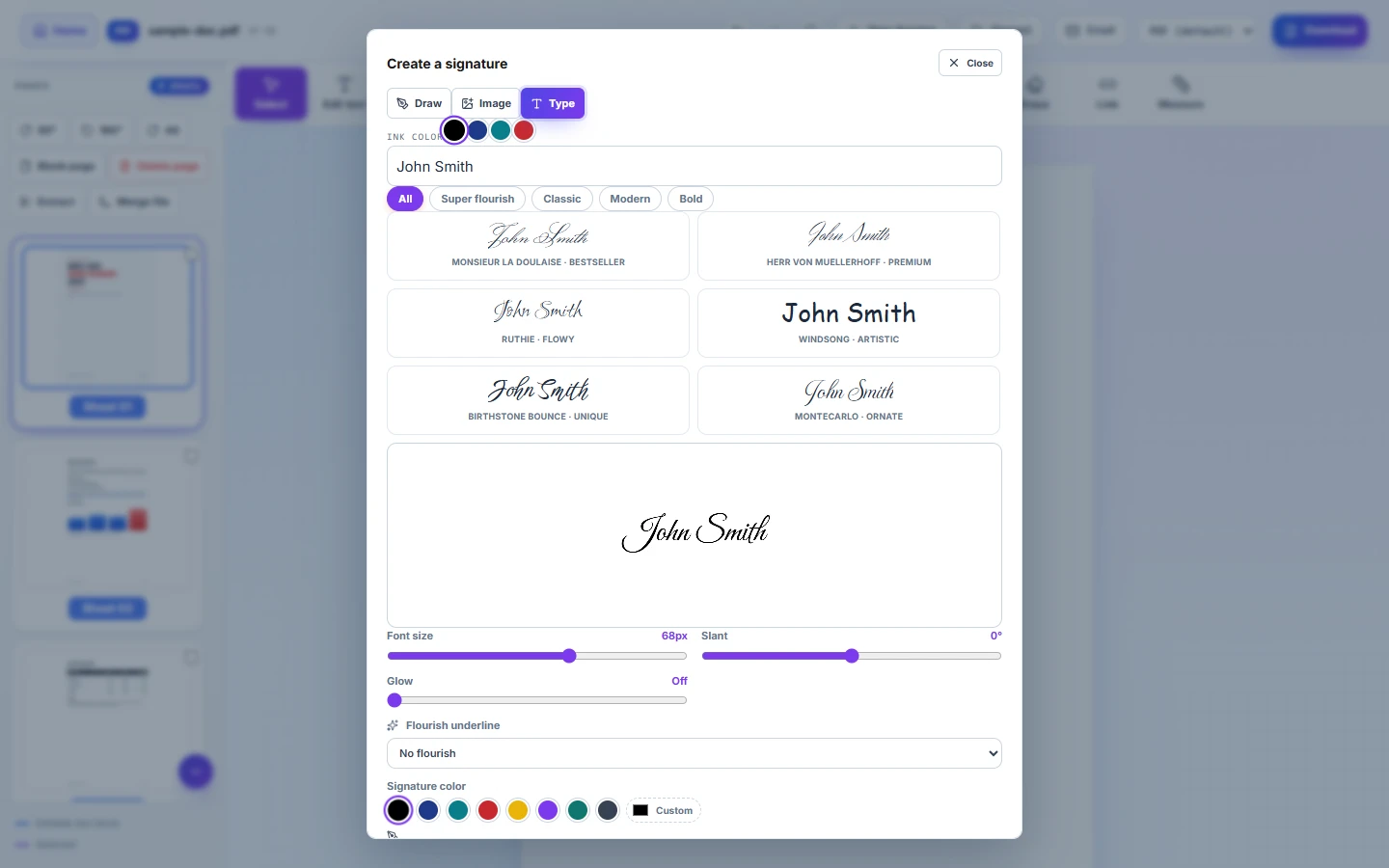
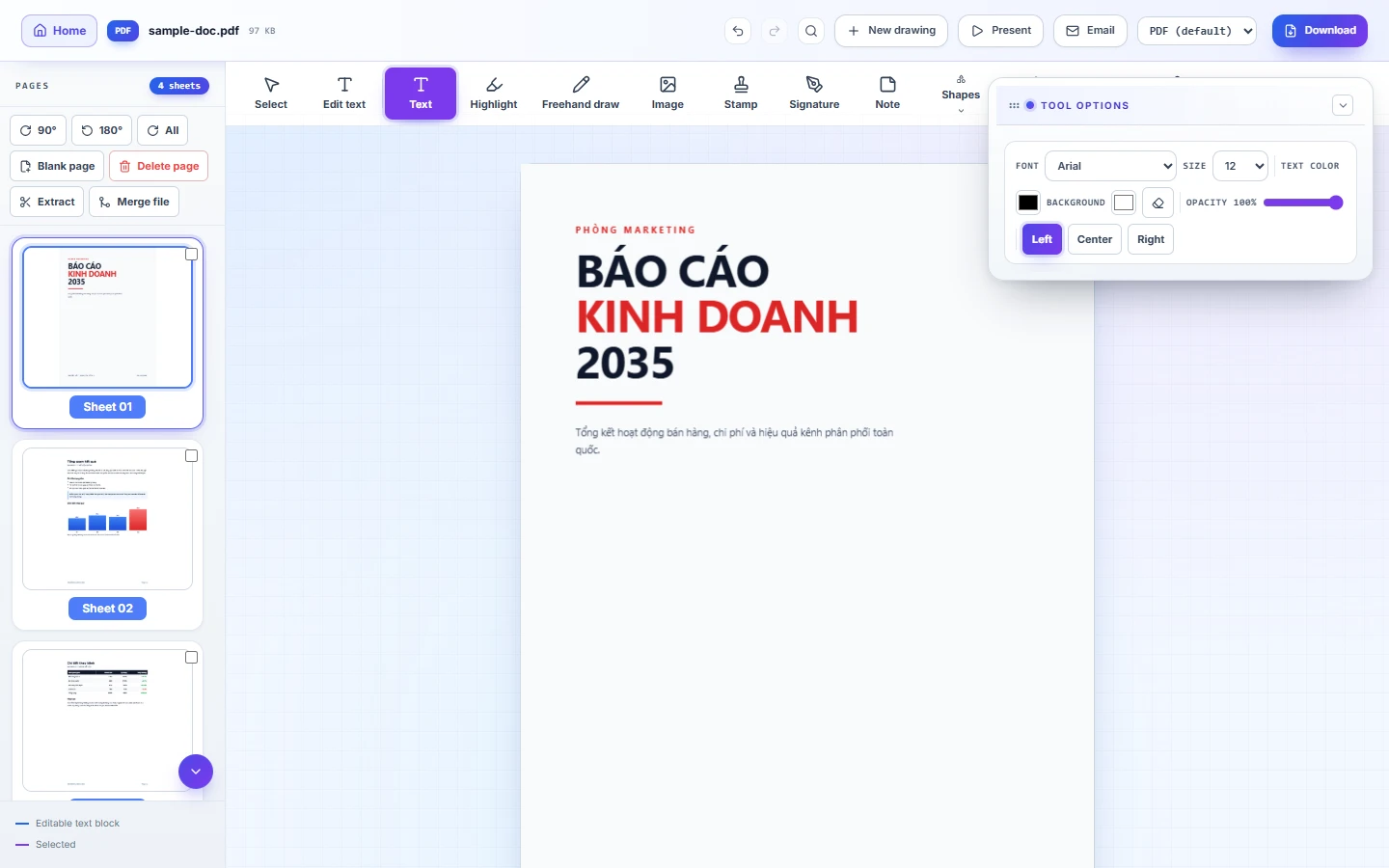
- Choose a tool: add text, draw, insert your signature, apply stamps, highlight, or edit text labels directly on technical drawings.
- Download the finished PDF — full quality, no watermarks.
What you can do with it
- Fill in and sign contracts, forms and applications received by email.
- Edit text labels on technical PDF drawings without breaking the vector geometry.
- Stamp approval marks and dates onto circulating documents.
- Highlight and annotate while reviewing reports or grading papers.
- Fix typos in PDFs when the original source file is long gone.
Is it safe to edit PDFs online?
With most services, your document is uploaded to their cloud — a real concern for contracts and confidential files. KitsyApp takes a different approach: the editor runs entirely in your browser using JavaScript and WebAssembly. Your PDF is opened, edited and re-exported on your own device. You can even disconnect from the internet after the page loads and everything keeps working. If your document never leaves your machine, it can't leak from someone else's server.
Frequently asked questions
- Is it really free? — Yes: no signup, no daily limits, no watermarks, no premium tier hiding the tools you actually need.
- Will editing change the original formatting? — No. You add or modify content on top; existing text, images and layout stay intact.
- Does it work on mobile? — Yes, the editor is optimized for phones and tablets as well as desktops.
- Are image signatures legally valid? — Widely accepted for everyday transactions; certificate-based digital signatures are required only for specific regulated transactions.
Ready to try? Open the editor and fix your first PDF in under a minute.
Edit a PDF now →100% free · No limits · No watermark · No signup