Protect, Unlock and Redact PDF Documents
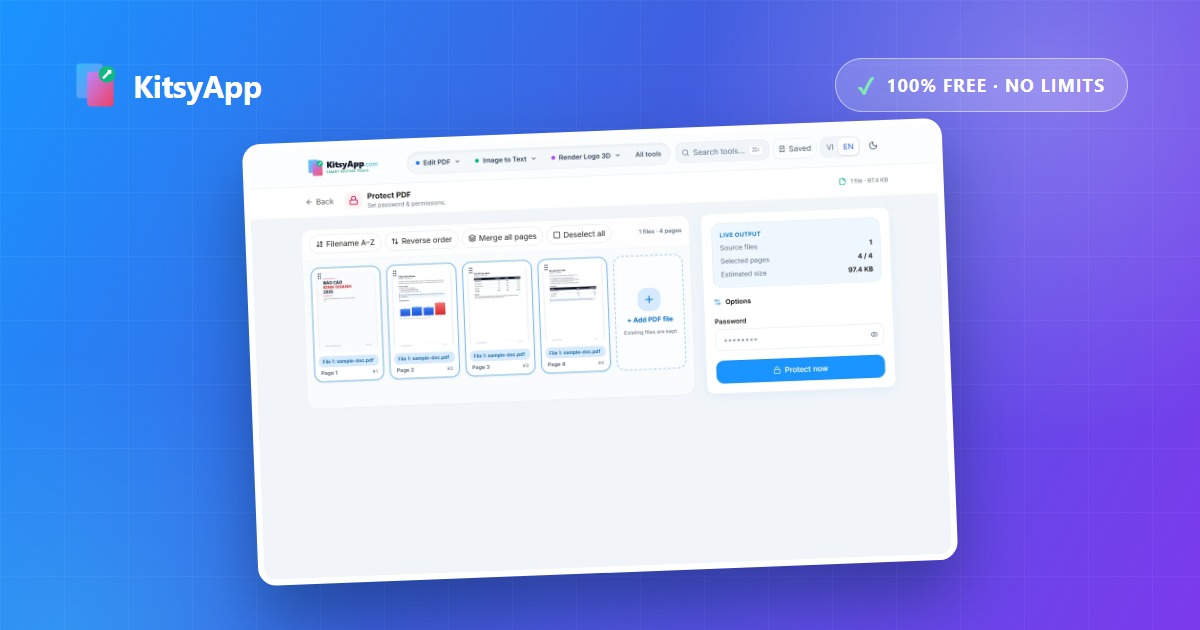
Three different jobs that often get lumped together: locking a file so others cannot open it, removing restrictions from a file you own, and permanently removing sensitive information before sharing. Getting the third one wrong can leave the data in the file even when you cannot see it.
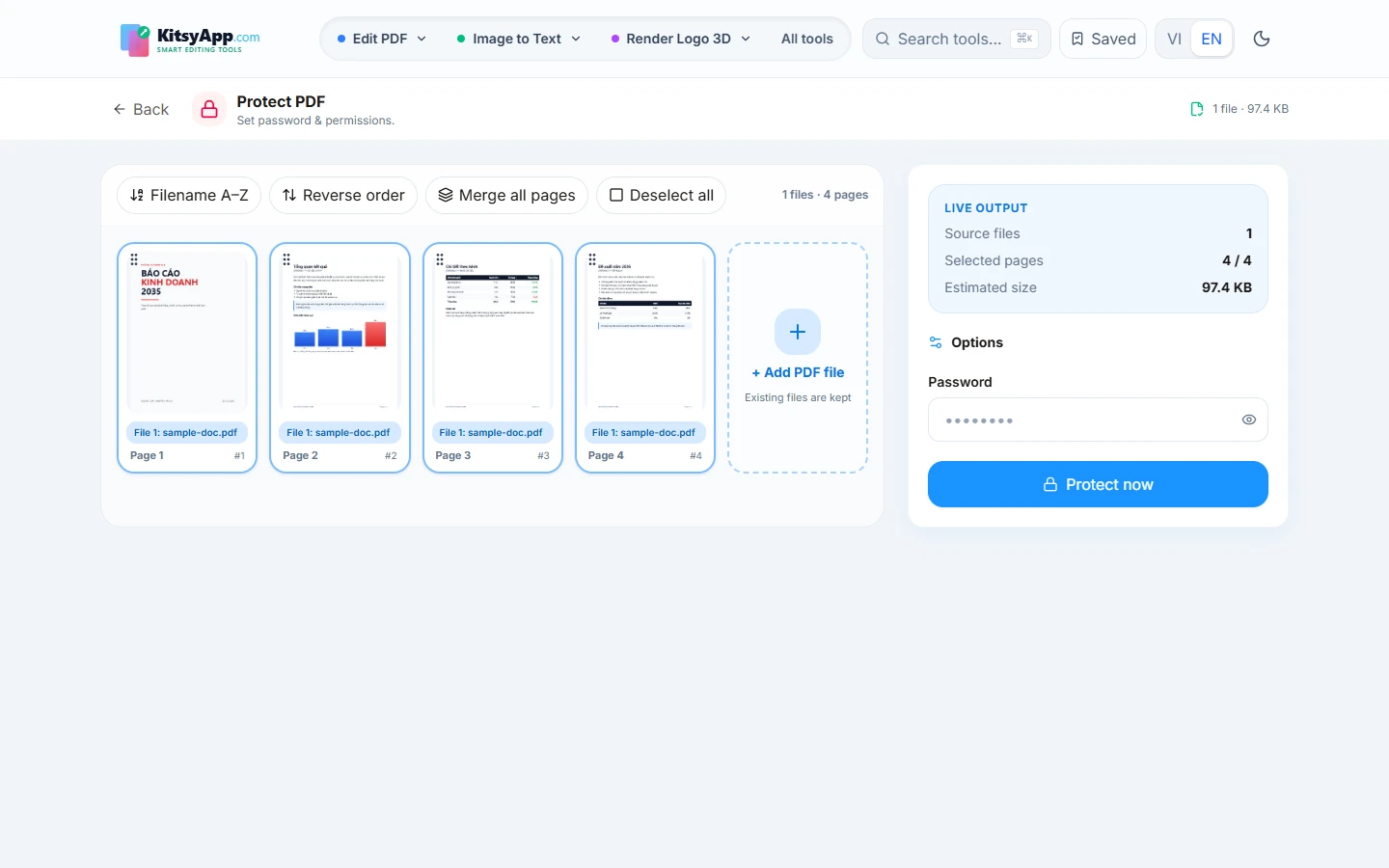
Passwords and permission restrictions
There are two distinct kinds of protection. An open password stops anyone without it from reading the contents at all. A permission restriction only blocks printing or copying while the file still opens normally — enough for most internal use. For contracts going outside your organisation, set an open password and send the password through a different channel.
Redaction: delete, do not just cover
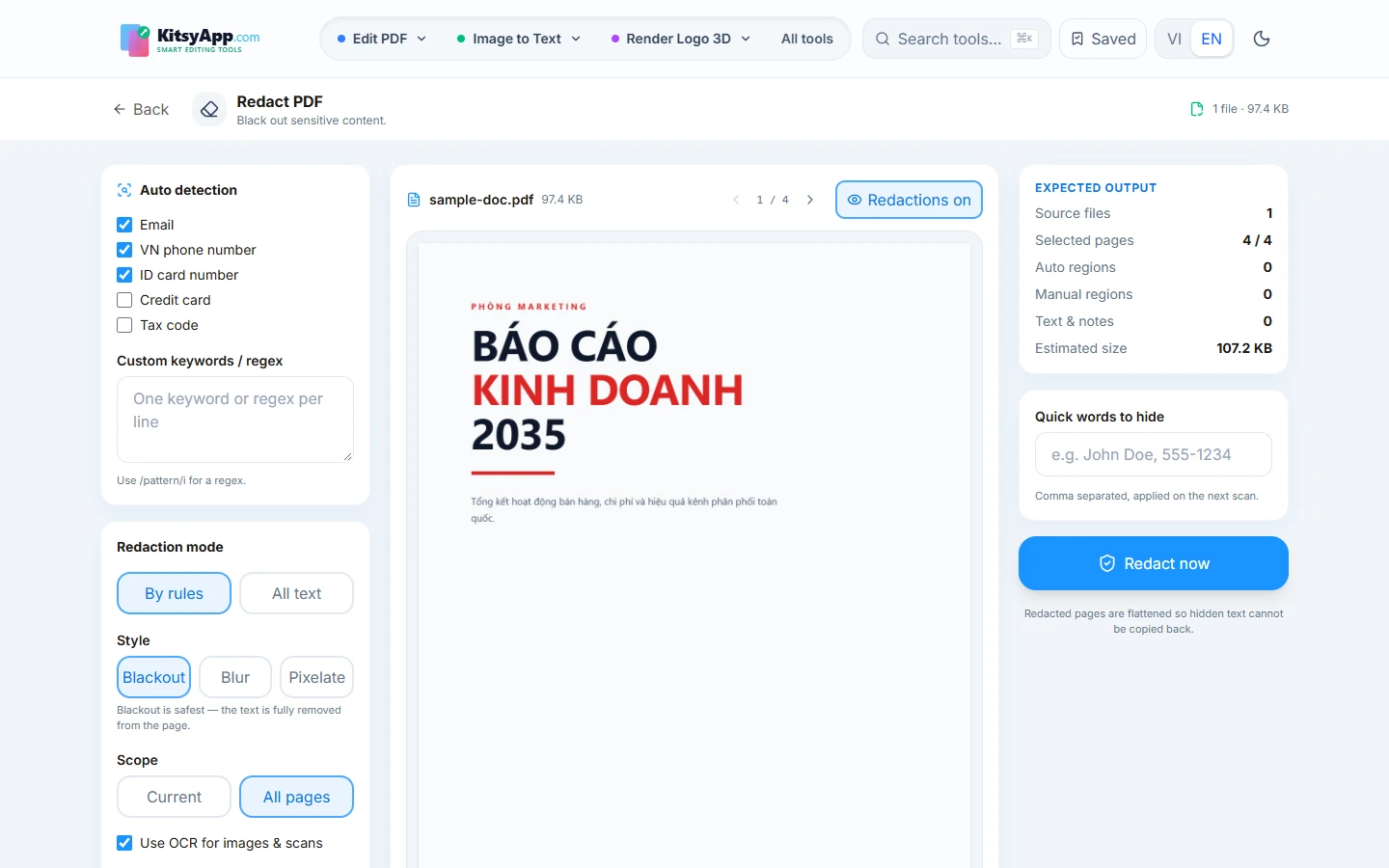
This is the most common and most dangerous mistake. Draw a black rectangle over a phone number, export the PDF, and the number is still sitting in the file — anyone can select or copy the text underneath. Proper redaction removes the underlying data and overwrites the region rather than painting over it. The same rule applies to photos of ID documents: pixels must be destroyed, not blurred.
Frequently asked questions
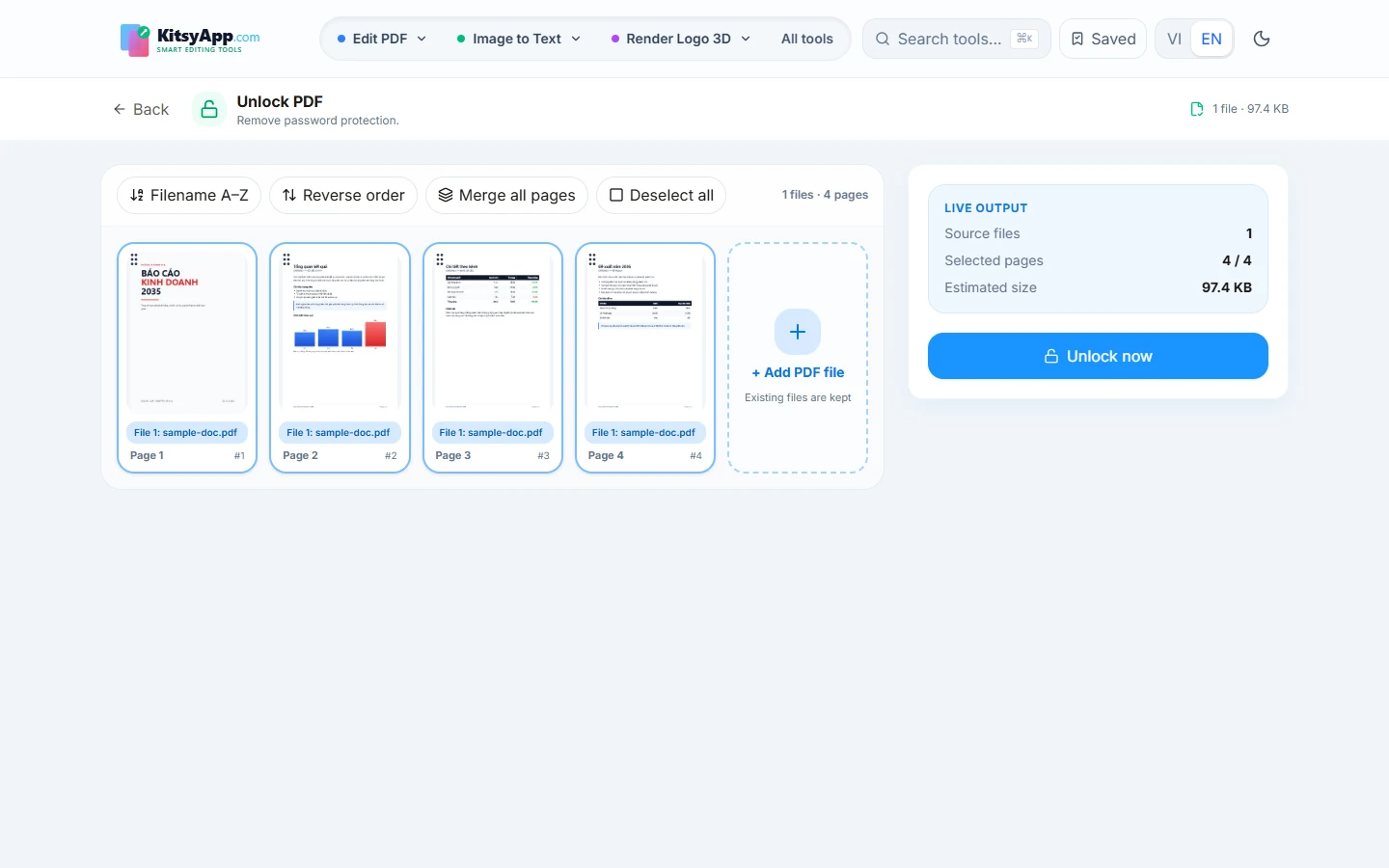
- Is unlocking someone else's file legal? — These tools are for files you own or are authorised to access. Respect copyright and the rules of the issuing party.
- Are files uploaded? — No. All three operations run in your browser on your own device.
- Do you store my password? — No, the password is used locally to encrypt your file.
- Can redaction be undone? — No, that is the point. Keep the original somewhere safe.
Add an open password or block printing and copying.
Protect PDF →100% free · No limits · No watermark · No signup
Remove a password from a file you own, right in the browser.
Unlock PDF →100% free · No limits · No watermark · No signup
Permanently remove phone numbers, emails and ID numbers from a document.
Redact PDF →100% free · No limits · No watermark · No signup
Photographed an ID and forgot to cover it? Destroy the pixels.
Redact Image →100% free · No limits · No watermark · No signup