Turn Photos into Text, Word and Searchable PDFs
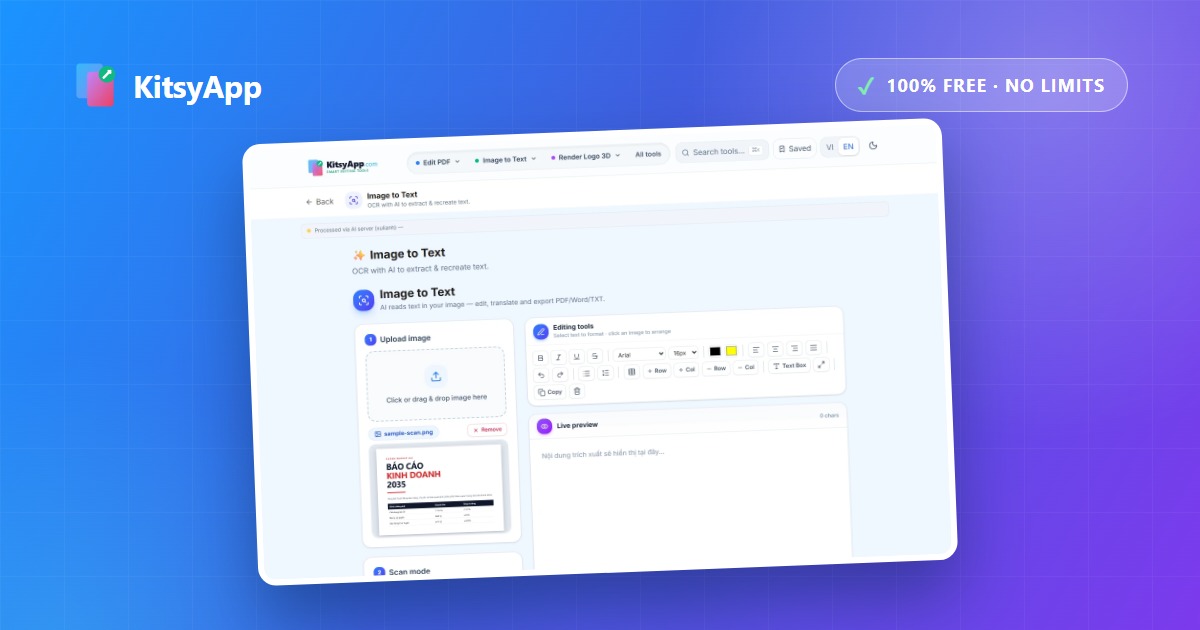
A single photo can go in several directions depending on what you need next. Choosing the right tool up front saves you from starting over — and for a photo taken in a hurry, one cleanup step before recognition can decide the quality of everything downstream.
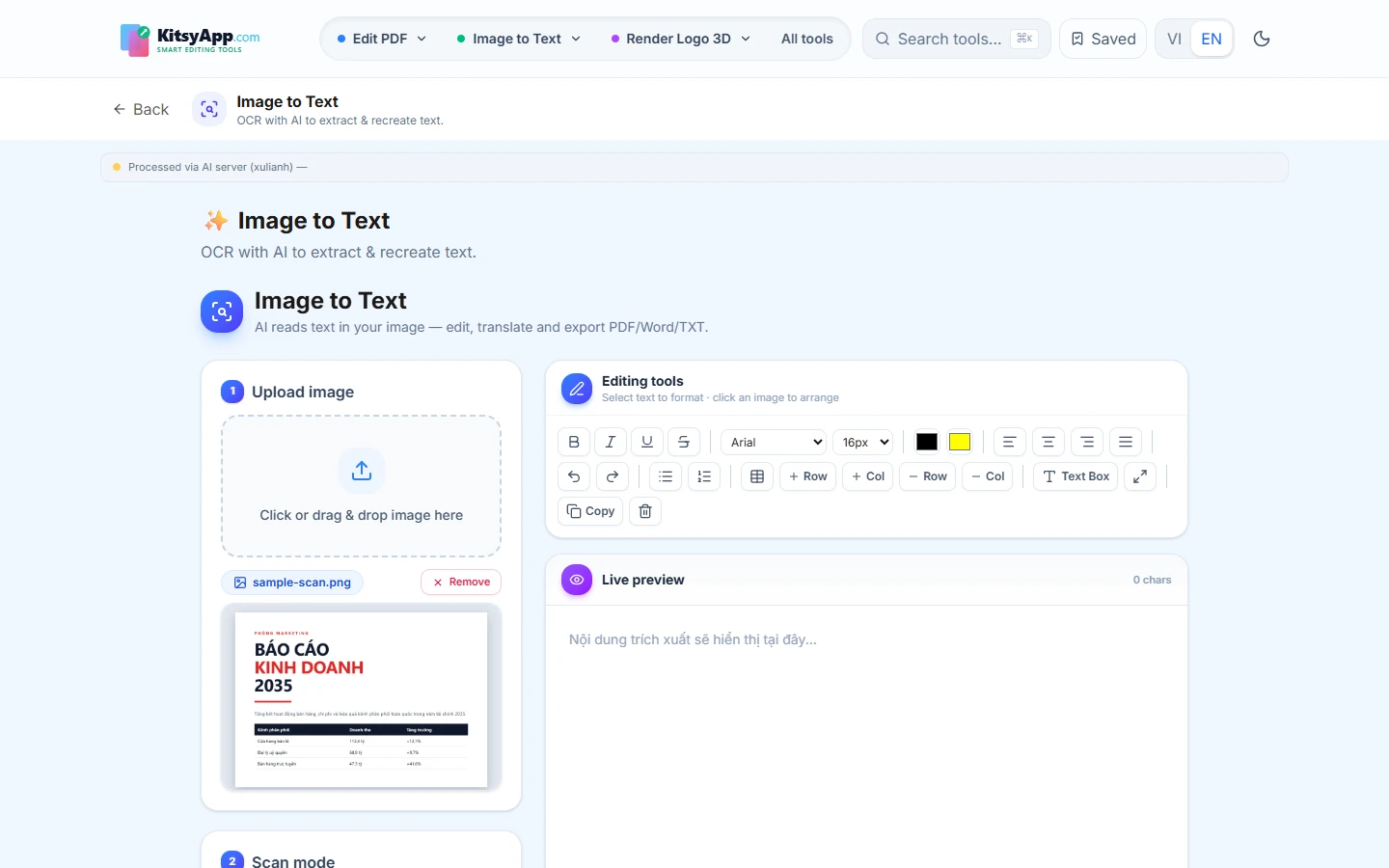
Pick the destination by your next step
- Need the content to paste somewhere: recognise it as text, edit in place, then copy. The fastest of the five.
- Need to edit it like a document: export to Word (.docx) and open it in Microsoft Word or Google Docs.
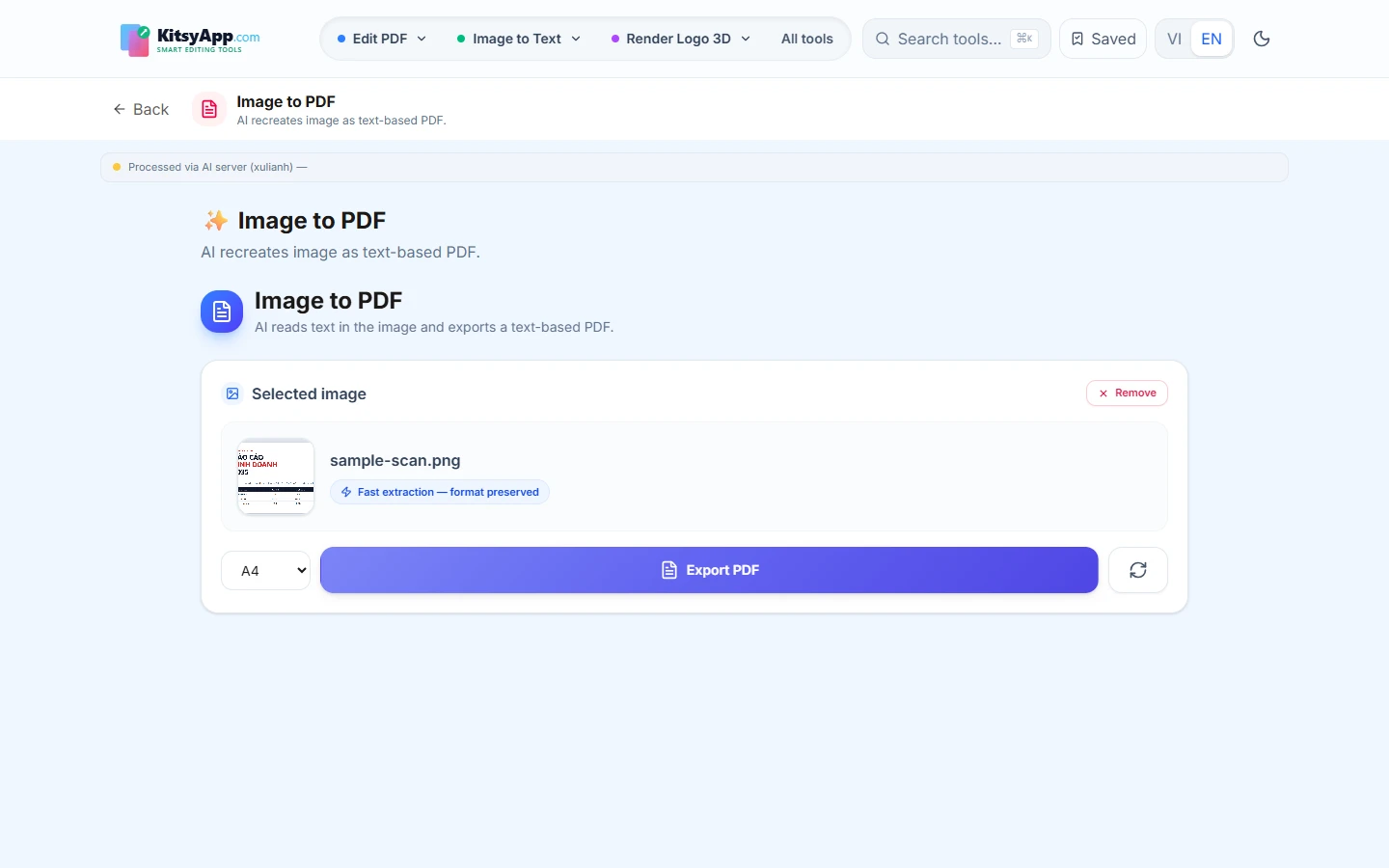
- Need to send it with the original layout: export a standard A4 PDF with a REAL TEXT LAYER, so the recipient can still select, copy and search the text — unlike embedding a picture in a PDF.
- Photographed a table: extract it to an Excel file instead of retyping every row.
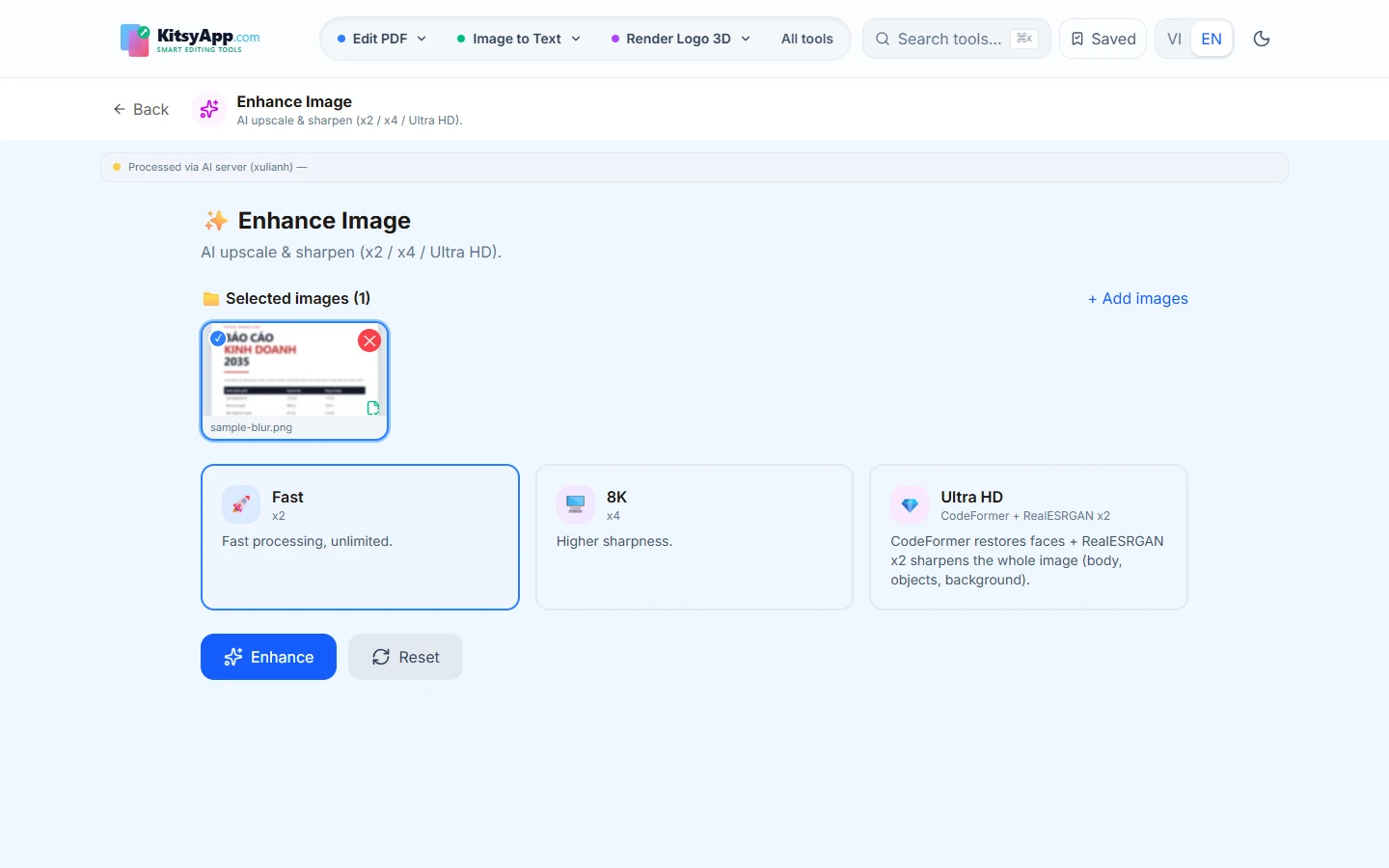
- The photo is blurry or dim: sharpen it first, then recognise.
Why sharpen before recognising?
Input quality drives output quality. Blur, poor lighting or tilt cause visually similar character pairs to be misread — and in accented languages, losing a single mark changes the meaning of a sentence. Boosting sharpness and contrast before recognition improves accuracy noticeably, especially for indoor phone photos.
Frequently asked questions
- Are my images stored? — Images go to the AI server for recognition and are deleted after processing; nothing is retained or used for training.
- Do accented characters survive? — Yes. The engine is tuned specifically for accented Vietnamese and other diacritic languages.
- Is a phone camera good enough? — Yes, as long as you shoot parallel to the page, in decent light, without your hand casting a shadow.
- Is there an image limit? — None. No signup, no watermarks, no daily cap.
Recognise the text in a photo and get copyable text with accents intact.
Image to Text →100% free · No limits · No watermark · No signup
Need a .docx you can open in Word or Google Docs?
Image to Word →100% free · No limits · No watermark · No signup
Need an A4 PDF with a real, selectable text layer?
Image to PDF →100% free · No limits · No watermark · No signup
Photographed a table or a statement? Export it straight to Excel.
Table to Excel →100% free · No limits · No watermark · No signup
Blurry original? Increase sharpness and resolution before OCR.
Enhance Image →100% free · No limits · No watermark · No signup