Convert PDF to Word, Excel and PowerPoint
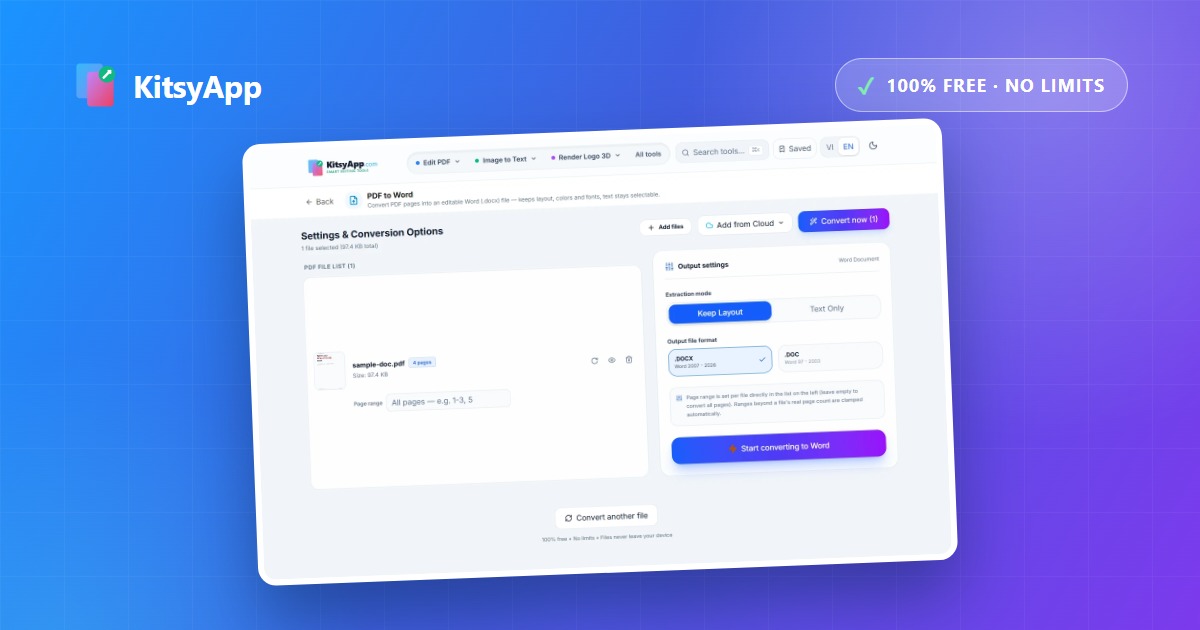
PDFs exist to be read, not edited. The moment you need to revise wording, add figures, or rebuild a deck, you have to get back to an editable format. Each destination has its own pitfalls, and picking the right one up front saves a lot of cleanup afterwards.
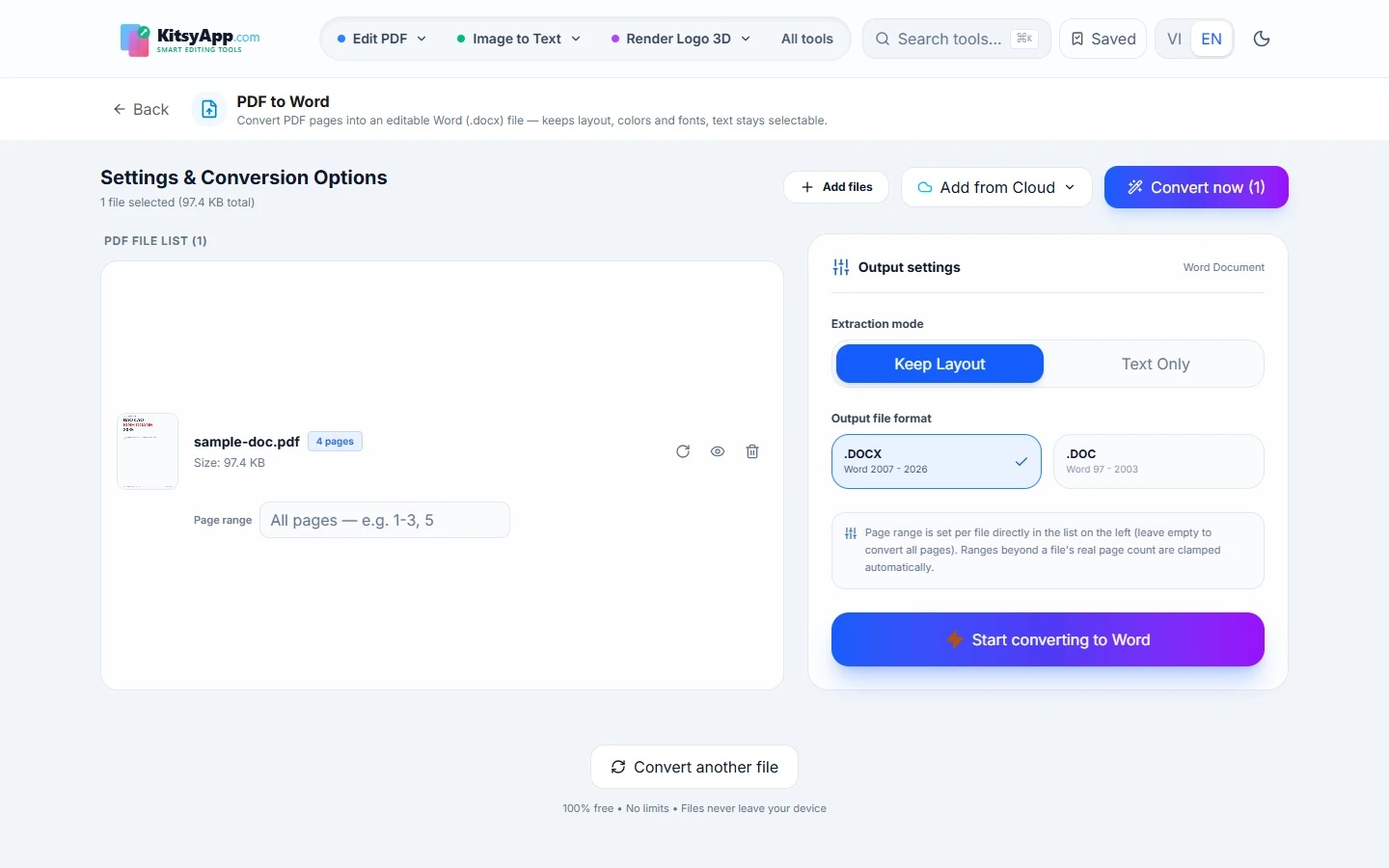
PDF to Word when you need to edit
This is the hardest conversion because the tool has to reconstruct structure: what is a paragraph, what is a heading, what is a table. Accented languages add a specific trap — diacritics are sometimes drawn as separate glyphs in the PDF, so a naive conversion returns broken, detached characters. A good converter detects and re-merges them, so always check accents before relying on the output.
Converting to spreadsheets and slides
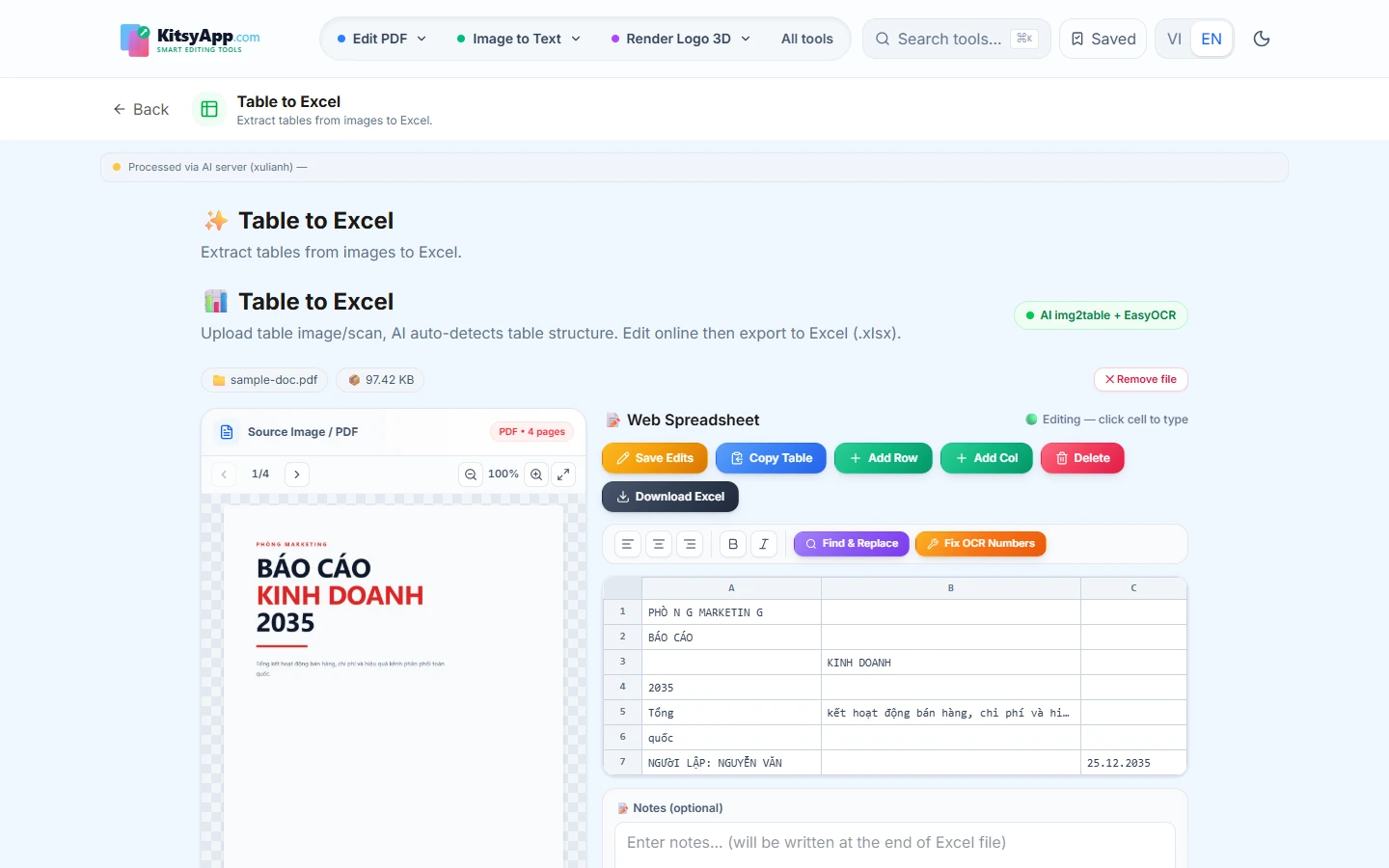
- PDF to Excel: only sensible for documents that actually contain tables. Text fragments are grouped by coordinates into rows and columns, so clearly ruled tables convert best.
- PDF to PowerPoint: each page becomes a slide, with text placed back into editable text boxes. Pages that are really just flat images need manual review.
- PDF to PDF/A: for long-term archiving to the standard (records, contracts, filings). PDF/A embeds fonts so the file stays readable years from now.
Frequently asked questions
- Is the original formatting kept? — Page layout, background colour, positions and font sizes are preserved; do review complex tables.
- Are files uploaded? — No. Conversion runs entirely in your browser on your own device.
- Can I convert a scanned PDF? — A scanned PDF is an image. Run OCR first, then take the text.
- Do I need an account? — No. Free and unlimited, no signup.
Convert to .docx with the layout intact and text editable in Word.
PDF to Word →100% free · No limits · No watermark · No signup
Tables in your document? Group text by coordinates into rows and columns.
PDF to Excel →100% free · No limits · No watermark · No signup
One page per slide, with text you can still edit.
PDF to PowerPoint →100% free · No limits · No watermark · No signup
Need an archival copy with fonts embedded to the standard?
PDF to PDF/A →100% free · No limits · No watermark · No signup